Every photo. Every part.
Every dollar. Accounted for.
AvTools is built around AvPics: scan a barcode, shoot condition photos, and they land on the right ERP record in seconds, auto-named and batched to PDF. No shop camera, no memory card, no renaming files at a desk. Quoting, filing, sealed records, and finance analytics run on the same platform, wired into AvSight, QuickBooks, and Smart145.
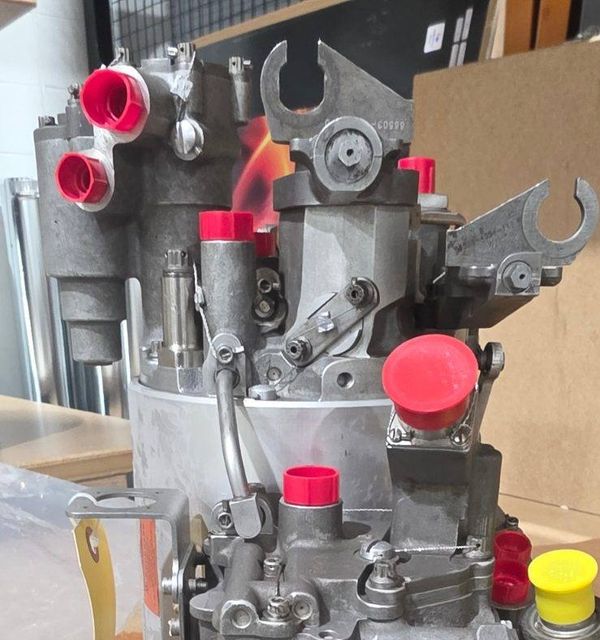
Photos that file themselves.
Documenting a part shouldn't cost an afternoon at a desk. Here is the same job, before and after.
- Find the shop camera
- Shoot the part
- Pull the memory card
- Copy the files to a desktop
- Sort and rename every shot
- Assemble a PDF by hand
- Upload it to the ERP
- Scan the barcode
- Shoot the part
- Naming, batching, PDF, ERP uploadautomatic
The desk work disappears. Photos are named, batched, and on the ERP record before you leave the bench, so documentation keeps up on the busy days instead of getting skipped.
Scan once at the bench and every photo lands on the right SO, PO, or RO. No folders to sift, no mixed-up units.
IMG_SO-2214_PN305355_003.jpg, written for you. Nobody types filenames at a keyboard.
The condition report builds itself when the batch closes and pushes straight to the ERP.
Batch reports can be sealed with a PAdES signature the customer can verify. No extra round trip.
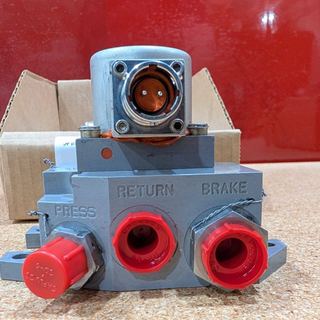
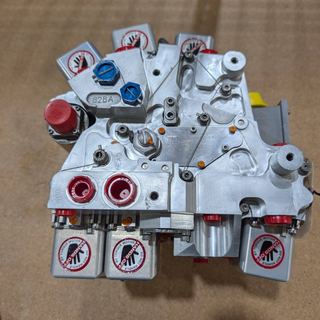
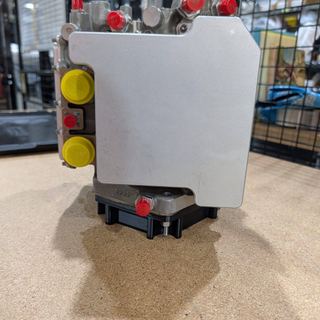
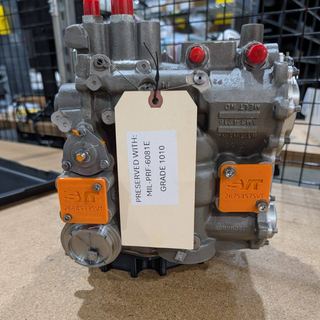
You take the photo. That's your part.
Everything after the shutter runs on its own.
Capture
Scan the barcode, shoot condition photos at the dock. Every image is auto-named and linked to the ERP record.
Organize
Photos batch into PDF reports; paperwork files itself against orders, audits, and the compliance calendar.
Seal
Reports are signed with a PAdES seal and RFC 3161 timestamp, and get a certificate ID anyone can verify.
Sync
Everything lands back in AvSight and flows through to QuickBooks. The books-sync monitor proves it got there.
The whole operation, from the receiving dock to the books.
Each module stands alone. Together they close the loop: the photo taken at the dock ends up attached to the order, sealed in the report, and reconciled in the books.
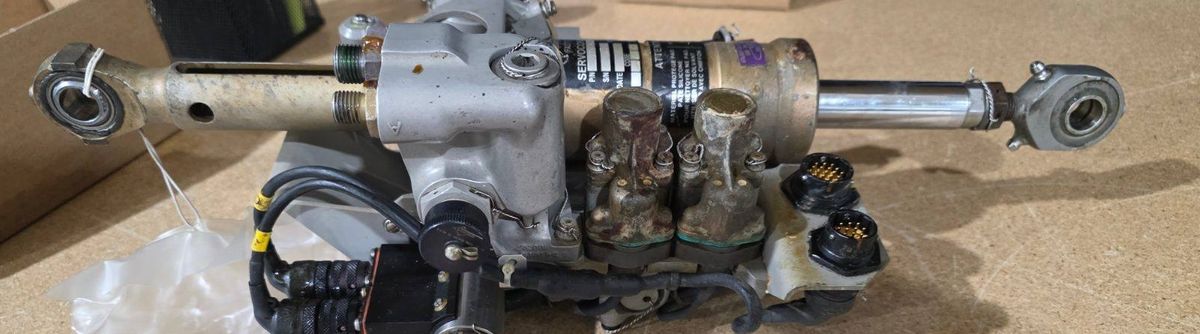
The core of the platform. Scan a barcode, shoot inbound/outbound condition photos, and they land on the right ERP record in seconds, auto-named and batched to PDF.
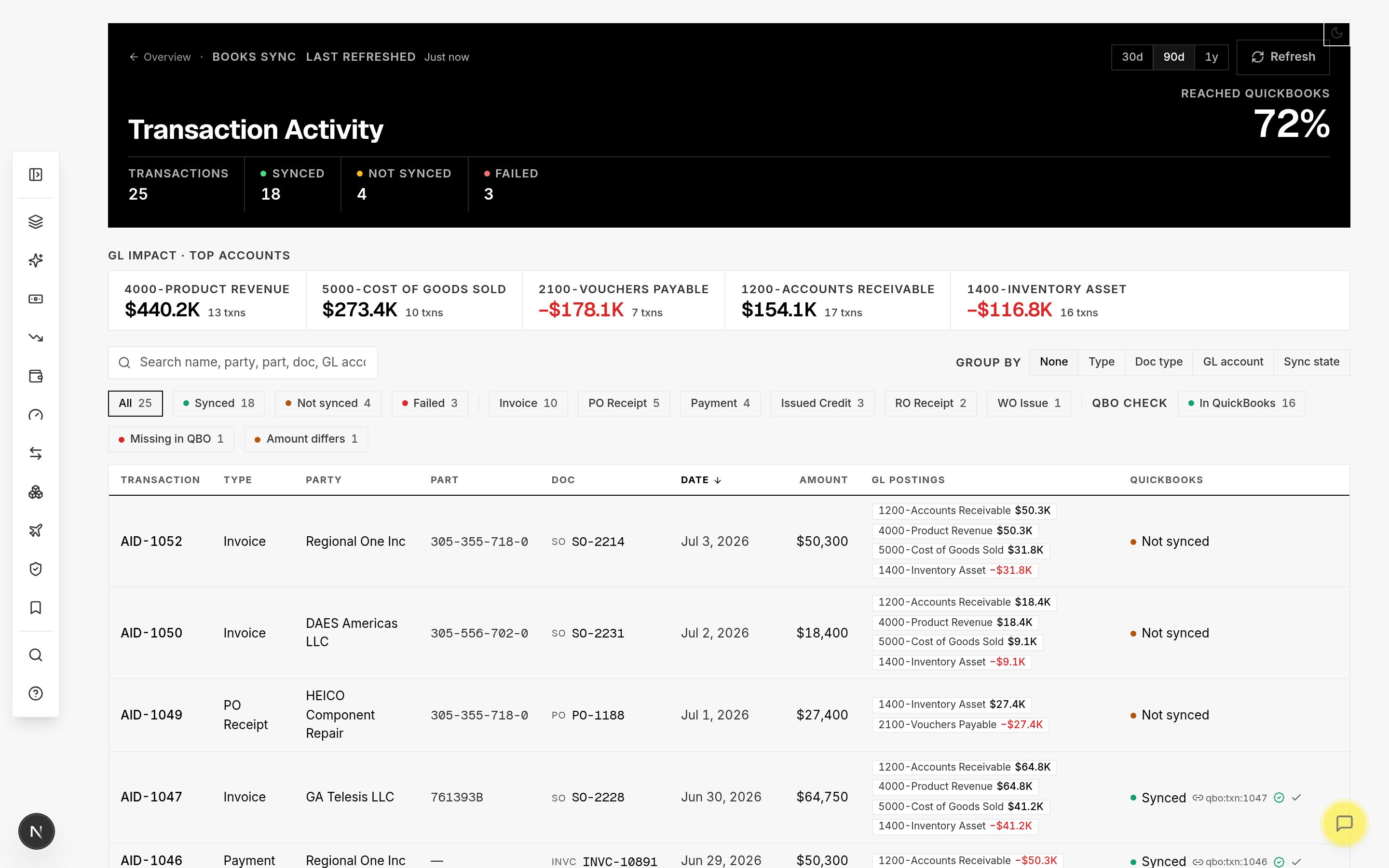
Margin, AR aging, cash flow, velocity, and books-sync auditing on live AvSight and QuickBooks data, down to the part number.
RFQ inbox to quote board to branded PDF, synced with your ERP.
Inspection reports sealed with PAdES signatures and RFC 3161 timestamps. Anyone can verify them.
Paperwork organization, audit checklists, and a compliance calendar that lives inside Salesforce.
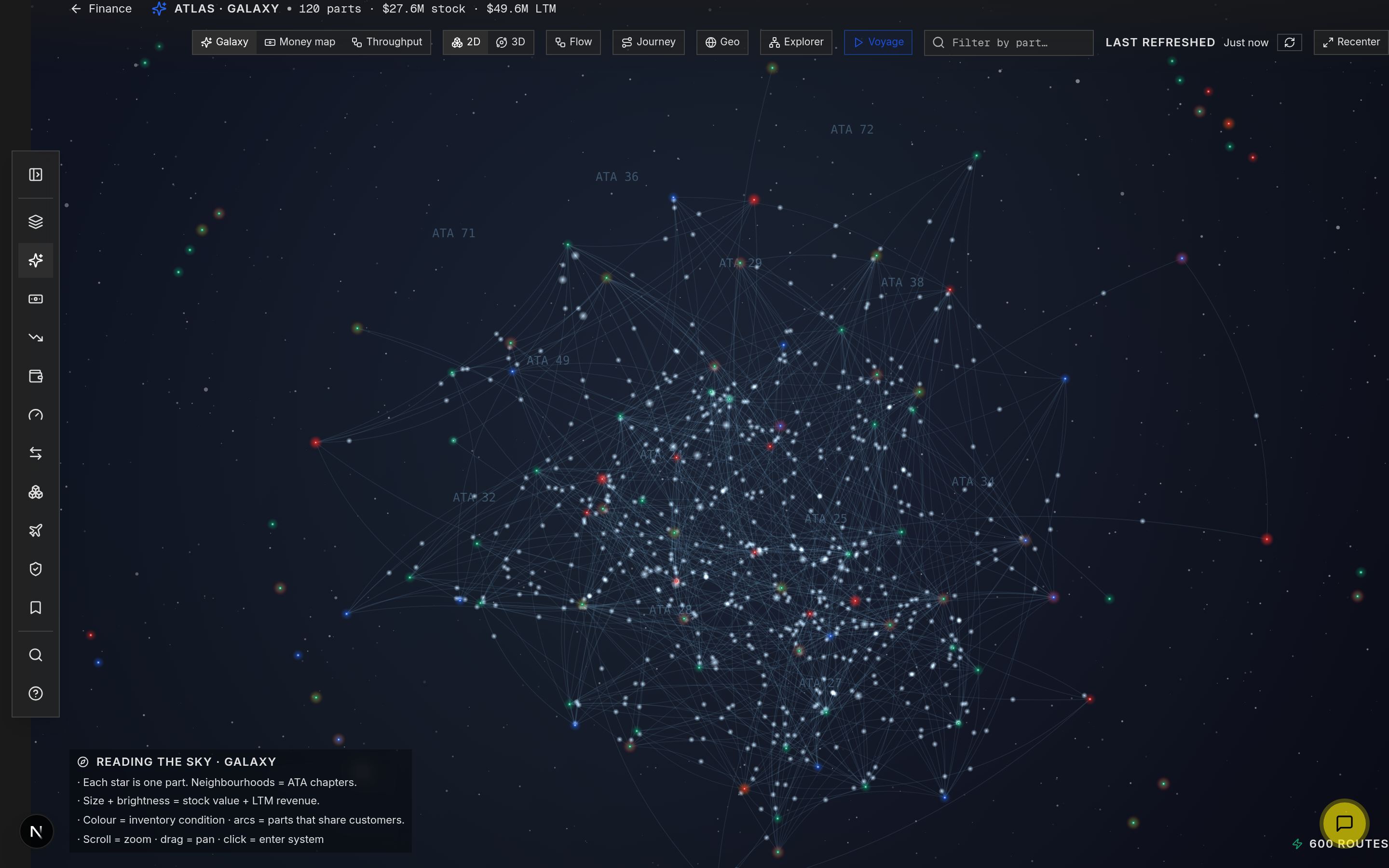
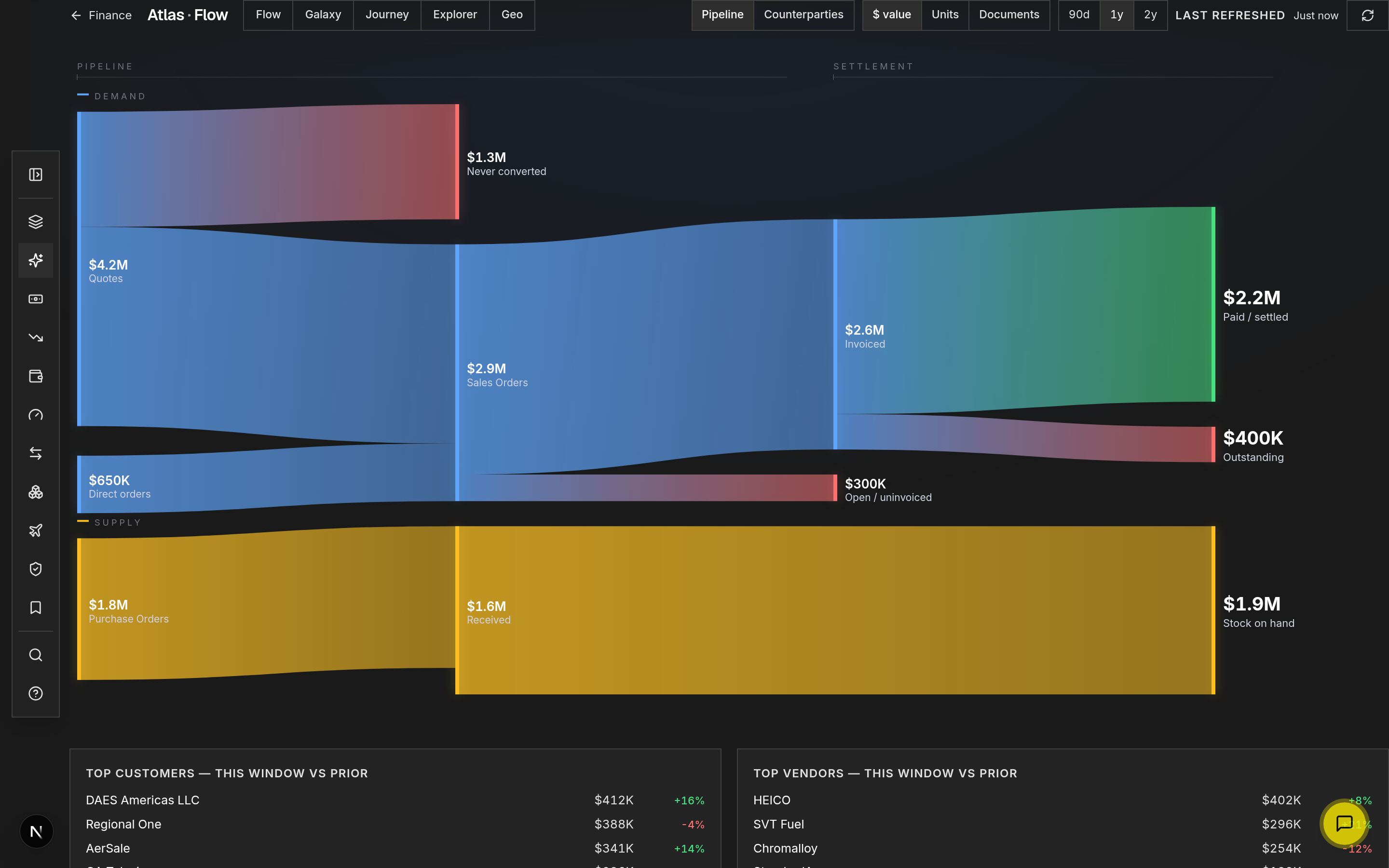
See where the money is, down to the part number.
Margin, AR aging, and cash flow off your own AvSight and QuickBooks data, cross-checked so you know the books actually match. Shown here with demo numbers.
Electronic signatures designed to align with FAA AC 120-78B
Inspection reports and quality records are sealed with PAdES digital signatures and independent RFC 3161 timestamps, carry a printed certificate ID, and can be verified by anyone. No account required.
Wired into the systems you already run.
Filing Assistant runs inside Salesforce; AvPics, QuoteDeck, and Finance read and write AvSight records directly.
Finance reads the books and cross-checks every ERP transaction that claims it synced, then flags the ones that didn't.
Document scanning and repair-shop data for Part 145 operations.
Photo batches and reports sync to SharePoint, OneDrive, Google Drive, Dropbox, and Box.
Plus Quantum Control and Quick Aviation for AvPics photo delivery.
See your whole operation in one system.
A 30-minute walkthrough of your own workflow, from receiving to the books.
Pricing depends on your team size and modules. We'll cover it in the demo, or email sales@avtools.aero.